SiteGround AI Agent for WordPress: Your AI assistant for WordPress management
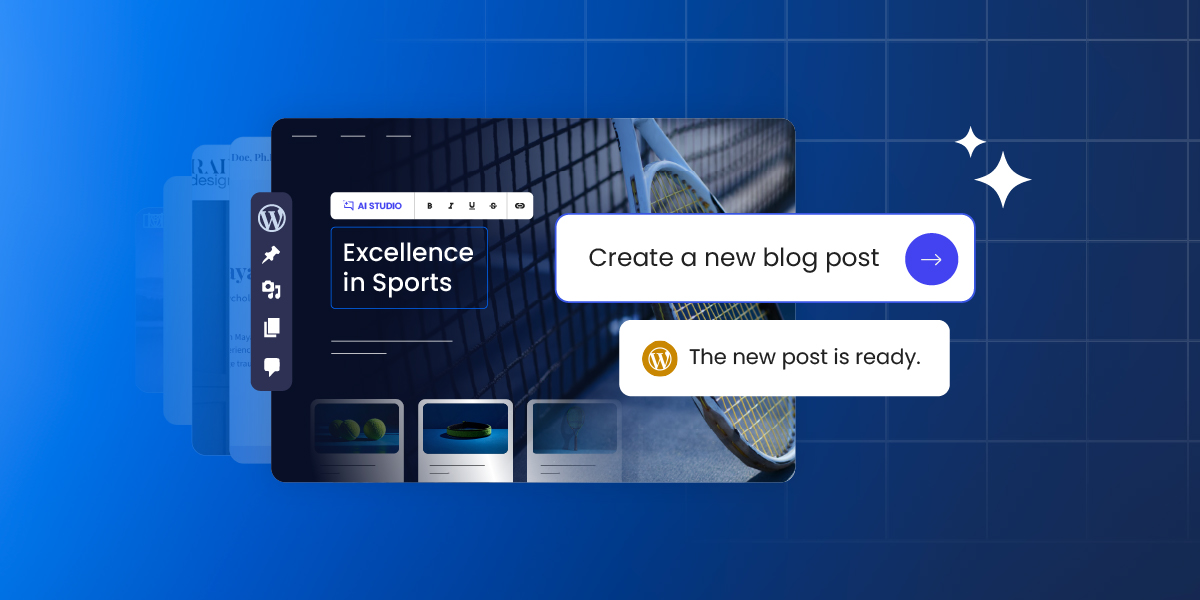
Managing a WordPress site means endless clicks, repetitive tasks, and hours spent in the admin dashboard. But what if you could trade all of that for a simple chat with AI?
The SiteGround AI Agent for WordPress makes this (and so much more) possible.
What is the AI Agent for WordPress?
The SiteGround AI Agent for WordPress is an omnipotent AI assistant that makes WordPress site management faster and simpler. It transforms tasks that typically take hours of manual clicking into minutes of simple conversation, freeing you to focus on growth and productivity.
The AI Agent for WordPress is part of the recently launched SiteGround AI Studio service, where clients get access to chat with multiple AI models and 15+ AI agents, and is available for free to all SiteGround customers with 20,000 AI tokens monthly.
The AI agent for WordPress connects directly to your WordPress sites and lets you manage them through natural language prompts, saving you precious time and reducing the learning curve and technical barriers to maintaining a successful website.
Why SiteGround’s AI Agent for WordPress is a game-changer?
The AI Agent for WordPress is a game-changer for those who wish to save time and reduce WordPress maintenance work. It’s the most potent AI service available to WordPress users.
- Execute tasks in minutes, not hours – Tasks that used to eat up your afternoon now happen while you take your coffee.
- Do bulk actions at scale – Update 200 images, translate 50 products, restructure an entire taxonomy. Even manage multiple WordPress sites simultaneously. One prompt can handle them all.
- Save time learning WordPress – You won’t get instructions to follow or code to insert. The agent performs the actual task on your WordPress site based on your natural language commands, sparing you the learning time.
- Delegate entire workflows – Hand over not just the boring small stuff, but entire workflows, asking the AI assistant for WordPress to execute multiple consequential steps to a complete solution.
- Reduce errors – The agent not only performs, but also protects you from irreversible mistakes, thanks to the “Power mode” feature available.
What can the AI Agent for WordPress do?
SiteGround’s AI Agent is the most powerful AI tool for managing WordPress sites right now. Here’s an overview of its capabilities:
Complete content management
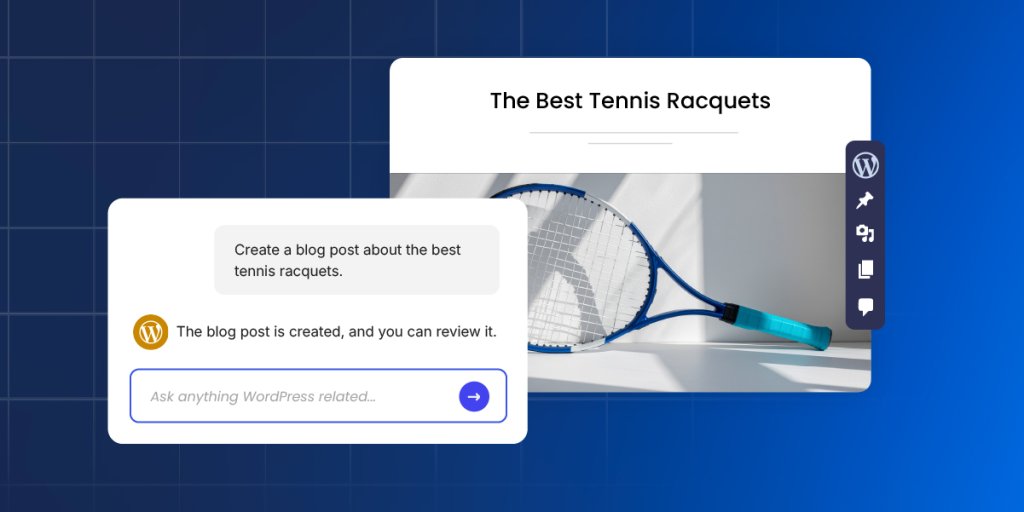
Content management is where most site owners feel the daily grind. SiteGround’s AI Agent for WordPress transforms this entire experience, letting you accomplish in minutes what used to consume hours of fragmented attention.
Create, edit and publish blog posts
The AI Agent is able to create posts in WordPress, generate the necessary content including text and images, assign them to the right categories and add tags, upload media files, and publish them when you’re ready. A single prompt can replace the entire manual workflow of drafting, formatting, categorizing, and scheduling, saving you significant time and effort on every piece of content you create.
Updating old content is also a piece of cake. Ask the agent to make specific updates, and it makes only the targeted changes while leaving everything else untouched. Your Gutenberg blocks stay perfectly formatted. Your shortcodes keep working.
Build site structure and pages
The agent creates and edits pages the same effortless way, whether it is a simple About page, a complex Services page with multiple sections, or an entire site architecture with parent-child page hierarchies.
What is more, you could give the agent a sitemap – just describe it or paste your planned page structure – and it creates all the new pages with proper hierarchies, builds your navigation menus (primary, secondary, footer), and assigns each page to the right menu. A full day of clicking through WordPress admin becomes a single conversation.
Organise content with categories and tags
You can have the AI agent create new categories and tags, update existing ones, rename them, change their slugs, or delete them entirely. It handles successfully complete taxonomy restructures – merging categories, creating new hierarchies, reassigning posts to different tags.
Optimise for search engines
The agent generates metadata for new WordPress posts and pages and identifies missing such for your existing content – SEO titles, meta descriptions, keywords, alt text and captions.
Point it at a media library with 200+ product images, and it adds the needed metadata for each one, maintaining consistent keyword usage throughout. That’s 800+ individual fields – a week and a half of mind-numbing work, finished in an afternoon.
Manage media
Upload images and files to your media library, then let the agent handle the metadata. Or point it at your existing library and have it update titles, alt text, captions, and descriptions across dozens or hundreds of files. The agent identifies unused media files bloating your library, deletes the clutter, and helps reorganize what’s left.
Moderate comments
The agent retrieves comments from any post, shows you what’s been submitted, and handles moderation. Approve pending comments, delete spam – all through conversation instead of endless clicking through the Comments section.
WooCommerce store management

WooCommerce owners know how overwhelming store management can be. Small tasks multiply quickly, and before you know it, store administration consumes hours that should go toward marketing, customer relationships, or strategic planning. SiteGround’s AI agent for WordPress removes this overhead entirely.
Create, organize, update, delete products
Tell the agent to create or update one or multiple products and specify the details in your own words.
- Create one or multiple products from a prompt
- Instantly build or reorganize your entire product category hierarchy from a single spreadsheet
- Make bulk price updates across hundreds of SKUs
- Request seasonal description changes for your entire inventory
- Add new attributes to all items in a category
- Update stock levels across multiple product lines
- Delete products through a prompt with “Power mode” On
For example, you can say “Reduce all prices in the Summer Collection by 20%” – one prompt, and it ripples through your entire catalogue. Updates that would eat up a full day of copying, pasting, and double-checking happen in minutes.
Manage orders
The AI Agent helps you handle orders more quickly and efficiently, keeping your customers happier.
- Ask AI to find specific orders and pull details instantly – customer information, items purchased, status, shipping address, and payment method.
- Change order statuses from ‘processing’ to ‘shipped,’ or modify details like client address.
- Reply to customer inquiries faster and better with relevant information retrieved and processed by AI.
Track store performance
Sales reports, trends, bestselling items, customer growth, coupon usage – get all the data you need delivered to you through a quick question to the AI agent.
Ask the agent about your sales and it not only retrieves the data – for this week, this month, last month, this year, or any custom date range you specify, but also analyzes it, reporting on changes you need to watch out for.
Want to know what’s selling best? The agent identifies your top-performing products, filtered by whatever time period matters to you.
Translate product catalogues
Expanding into new markets stops being a choice between expensive human translators and awkward machine output. Ask the AI agent for WordPress to translate your entire product catalogue in your target language and brand tone. It will do it with commercial awareness – copy that sounds like it was written by a native speaker and expert marketer in one. Technical specifications stay accurate. HTML formatting stays intact. Products with complex details get translated without the budget you’d normally need for professional localisation.
Technical website maintenance
Every WordPress site needs ongoing maintenance – plugin updates, security patches, user management, and configuration tweaks. It’s the work that keeps things running, but rarely feels like a good use of your time. The AI Agent acts as your expert technical assistant, taking the entire burden off your shoulders.
Update general WordPress settings
Site title, tagline, timezone, date format, permalink structure – the core settings buried in your WordPress admin are all accessible through a simple chat with the AI agent. Tell it to change your site’s tagline or adjust how dates display, and it makes the change.
Manage plugins
Keeping your plugins in order is one of the most critical and often tedious parts of WordPress maintenance that AI can handle for you. Between the constant update notifications, the fear that an update might break your site, and the security risk of old, forgotten plugins, it’s a job that never ends – and one that AI can help you with.
- Find and install plugins: Tell the agent what kind of plugin you need and it will locate the best option, install it, and even activate it for you.
- Plugin updates: You can ask it to update a single or multiple plugins at once to their latest versions. For total peace of mind, you can even tell it to back up your site before running the updates.
- Deactivate and delete plugins: Instead of manually deleting old, deactivated plugins, you can simply tell the agent to identify them and do it for you.
- Audit your plugins: Not sure what’s even running on your site? Ask the agent, “Give me a list of all installed plugins and their status.” You’ll get a clean audit, helping you spot outdated or unnecessary extensions that could be slowing you down.
Handle themes
Theme management with the AI agent works the same way as the plugins maintenance. Tell the agent the name of a theme or describe what you’re looking for, and it finds and installs it for you.
Ask for an audit, and this AI tool for WordPress lists every installed theme with version numbers and update status. Unused themes get identified and removed when you’re ready to clean house.
Manage and delete users
The AI agent for WordPress creates new user accounts with username, email, password, and role (Administrator, Editor, Author, Contributor, or Subscriber).
It helps you manage existing users by helping you reset passwords, change email addresses, update a display name, or modify roles. Ask for a list of everyone with access, and it shows all users with their roles and registration dates.
When someone leaves, ask the agent to remove their account.
Manage multiple WordPress sites simultaneously
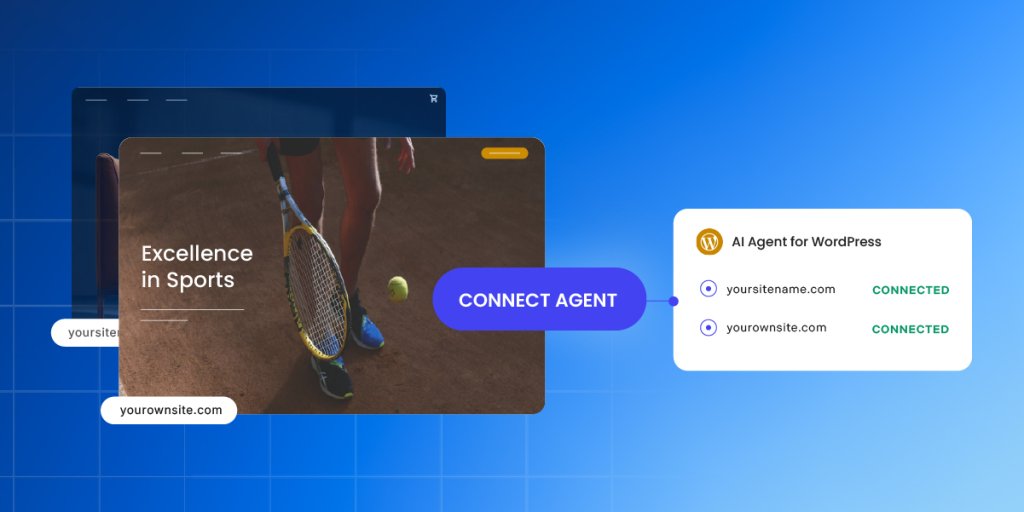
The real game changer: everything above can work across multiple WordPress websites simultaneously. Just make sure all sites are connected to SiteGround AI Studio and have the AI agent for WordPress installed and activated. You can:
- Install, update, or delete plugins and themes across your entire portfolio with one command.
- Manage users at scale, like adding a new editor to all sites or auditing Admin access everywhere.
- Perform bulk content changes, such as updating text or URLs across dozens of pages simultaneously.
- Standardize WordPress settings, like the site title or timezone, across all your client installations instantly.
For agencies managing client sites, this transforms maintenance completely. Hours of repetitive logins become single instructions that execute everywhere they apply.
The Power Mode: your built-in protection
Power Mode is a safety feature within the SiteGround AI Agent for WordPress designed to prevent accidental or irreversible damage to your website. It is required to execute commands that involve deleting data, modifying core configurations, or performing bulk updates. The actions that typically require you to enable Power mode are:
- Deletions: Removing plugins, themes, users, products, posts, pages, categories, tags, media files.
- User management: Creating and updating user details.
- Site settings: Modifying general WordPress settings such as the Site Title, Site URL, or Timezone.
- Bulk operations: Performing mass changes, such as editing all post titles at once or mass-deleting drafts.
- WooCommerce management: Creating or updating orders, cancelling pending orders, deleting transactions, and managing products or coupons.
- Core updates: Updating WordPress core files or language files.
By default, the Power Mode is disabled. This ensures that the agent cannot perform “risky” high-impact actions without your explicit confirmation. When you issue a command that requires high-level privileges (like deleting a plugin), the agent will display a warning message and ask you to enable “Power mode.”
How to connect SiteGround’s AI Agent for WordPress to your website?
At this time, the AI agent for WordPress and the related AI Studio service (which provides access to our AI tools) are available only to existing SiteGround customers. Regardless of whether their WordPress site is hosted with us or not, our customers can easily connect their installations and manage them with the AI agent.
One-click connect is available for WordPress sites hosted on SiteGround
To connect your sites, go directly to the AI Studio interface > Connectors page in your profile. You’ll see a list of all WordPress installations hosted on your SiteGround accounts and you could connect them in a click. You could also add other instances that are not in the list.
You can disconnect any site at any time through the Connectors page in AI Studio, or from your WordPress Admin dashboard.
Need help connecting? Learn how to connect the SiteGround AI Agent for WordPress in our step-by-step guide.
Try SiteGround’s AI Agent for WordPress today
Ready to simplify your WordPress workflow and reclaim hours of your time? Start using SiteGround’s AI Agent for WordPress and see how much easier and faster site and store maintenance could be.





Comments ( 4 )
Joan
Tried to sample AI agent but got the following message 'AI Studio is not available on small screens. Switch to a device with higher resolution' What are the minimum requirements to use AI Studio?
Georgi Chavdarov Siteground Team
Hi! Thanks for your question about SiteGround AI Studio. The message appears when the screen/viewport is too narrow for our full-featured interface (with chat panels, agents, sidebars, and previews) to work smoothly. We've focused our efforts on making AI Studio perform flawlessly on tablets and laptops—and it does on most modern devices in those categories. As a quick fix, please maximize your browser window and zoom out (Ctrl/Cmd + -) if needed, or switch to laptop or tablet. If you still see the error message, please reach our team directly via the Help Center so that we can help further.
Houston McKelvey
I have a couple of sites with you. I would like to move one on to your programme as here. Remembranceni.org is the title. Please let me know when you could move same with its related password. The
Georgi Chavdarov Siteground Team
Hi, To proceed with the move—including transferring the site files, database and all related content, the first step is getting a new hosting account directly from SiteGround.com (if you haven't already done so). You can choose a plan that suits your needs (e.g., WordPress-optimized hosting) from the link below: https://siteground.com/wordpress-hosting.htm Our support team is happy to assist with any questions or steps along the migration process - feel free to reach out via live chat on the SiteGround website (available 24/7). We will coordinate the transfer process after the account is ready, ensuring no downtime and that everything (including passwords/logins) is securely transferred over. Do not hesitate to reach our team at any time!
Thanks! Your comment will be held for moderation and will be shortly published, if it is related to this blog article. Comments for support inquiries or issues will not be published, if you have such please report it through our official channels of communication.
Leave a comment
Thanks! Your comment will be held for moderation and will be shortly published, if it is related to this blog article. Comments for support inquiries or issues will not be published, if you have such please report it through our official channels of communication.