Value-packed, managed cloud hosting
Get lightning-fast cloud, built on Google Cloud with dedicated resources, expert management, and enterprise features - without the enterprise price tag.

Get lightning-fast cloud, built on Google Cloud with dedicated resources, expert management, and enterprise features - without the enterprise price tag.
Top industry rating - 4.9 out of 5 stars. Trusted by the owners of 3 Million domains.
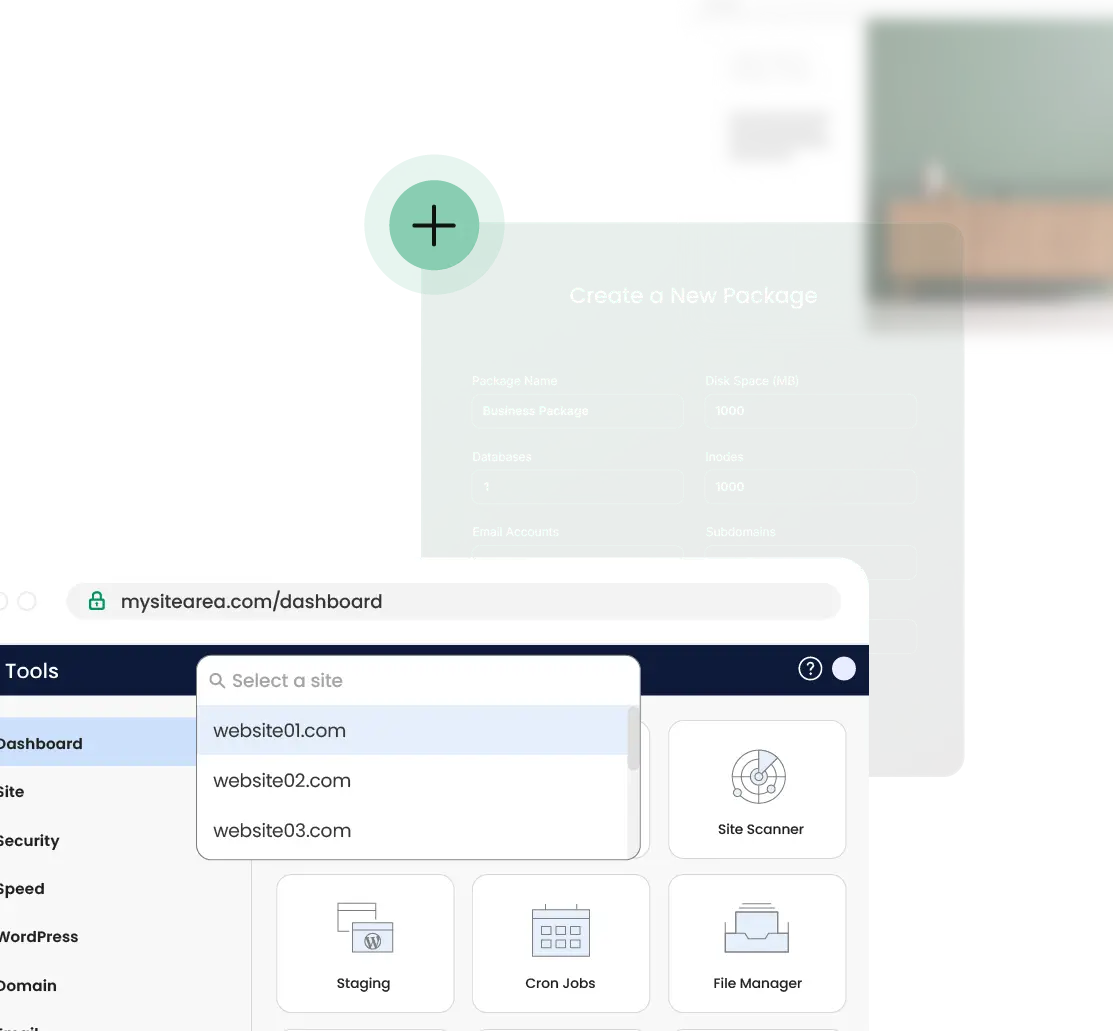
Stay in full control of your Cloud with custom hosting packages. Tailor the resources used by your clients’ sites on your Cloud and set specific Client Roles to define which tools they get access to.
Premium tier network. Global CDN. 99.9% uptime. Your sites run on the same infrastructure that powers Google and YouTube.

Every cloud comes with 7 days of automated daily backups stored separately—not eating your disk space. Restore any time with one click. Plus, create your own backups - on demand.

Our cloud platform is ready for your growth. Enable autoscale to automatically add resources during traffic spikes—preventing loss and downtime.

Purpose-built hosting that speaks WordPress fluently
Get running fast with free migration, instant auto-install, and our WP Starter Plugin packed with tailored functionality.

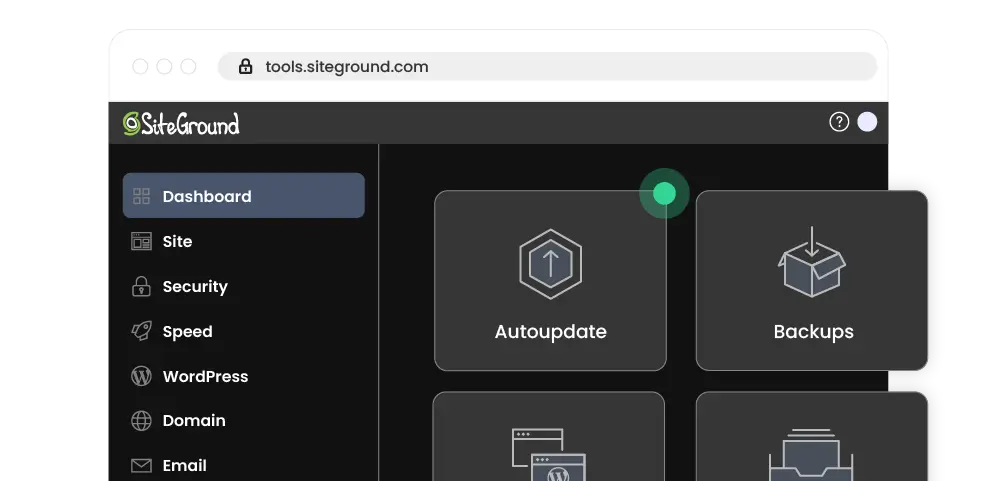
Let auto-updates handle maintenance while you build. Test safely with staging & Git, and use WP-CLI when you need full control.
Built-in Speed Optimizer Plugin plus multilevel caching on servers optimised for WordPress. Your sites load fast, period.
85%
of all WordPress sites migrated to SiteGround are faster.
Our Security Optimizer Plugin, anti-bot system, and smart WAF with WordPress-specific rules keep threats at bay 24/7.

From viral posts to seasonal peaks — we've got you covered
Our infrastructure can automatically scale to meet demand, whether you're experiencing a sudden traffic spike or sustained growth.
With dedicated CPU and RAM, your site maintains consistent performance even during peak times. No throttling, no shared resource limitations.
Every site is protected by enterprise-grade security and accelerated by multilevel caching. CDN ensures that your site loads fast anywhere.
With 99.9% SiteGround uptime backed by our 24/7 expert support, you can focus on growing your business instead of worrying about infrastructure.
Built for agencies and developers who refuse to compromise

Manage all client sites from a single dashboard with Site Tools. Collaborate seamlessly with collaborator access.
Use built-in one-click Staging environments & Git integration to test before deployment.
PHP and WordPress updates happen automatically, so your sites stay secure without extra work for you.
Expand your revenue streams with white-label hosting, affiliate and agency options.
Celebrating business owners and freelance professionals on our platform by sharing their stories.
Join thousands of professionals who've already made the move. Start today with zero setup fees and 14-day money back guarantee.

Cloud hosting is a type of web hosting service where your site uses resources pooled from multiple virtual servers, instead of being hosted on a single physical server. SiteGround Cloud offers a fully managed service that runs on premium Google Cloud network infrastructure. It offers dedicated CPU, RAM, and SSD storage. This results in high performance, reliability, and ease of use, as all server setup and maintenance is performed by our experts.
In traditional web hosting, your site shares CPU and RAM resources with other sites hosted on the same server. VPS hosting gives a virtual private server which is not shared, but usually requires more server maintenance.
SiteGround Cloud Hosting offers the best of both worlds - dedicated resources like VPS hosting with the fully managed convenience of shared hosting - no need to deal with servers or underlying hardware.
SiteGround’s managed cloud hosting services include guaranteed CPU, RAM, and storage, daily offsite geo-distributed backups, free SSL, CDN, and advanced caching.
Unlike a dedicated server or VPS hosting, cloud server hosting provides great redundancy. Even if one or multiple servers fail, the rest of the virtual machines will keep servicing all websites hosted on a cloud. Additionally, it offers better account isolation compared to other hosting options because you can allocate specific resources for each website within the same cloud plan.
Yes. With SiteGround, you can add CPU, RAM, or storage on demand in just a few clicks. You can also enable auto-scaling – this way, you get more resources added automatically during traffic spikes, keeping your business site online without downtime.
Cloud hosting is ideal for growing businesses, high-traffic websites, e-commerce stores, web development agencies, as well as anyone managing multiple sites. If you are managing client websites professionally or require dedicated resources for your project, cloud hosting provides the performance and reliability you need.
Yes - client management on SiteGround Cloud is easy and intuitive. You get complete control over your plan’s resources - you can host multiple client sites in the same plan, and allocate specific resource quotas for each one. A custom control panel with site-centric design, built-in staging, Git integration, collaboration and white label features make SiteGround Cloud a perfect hosting provider choice for developers and agencies.
Yes, every SiteGround Cloud hosting plan includes free Let’s Encrypt SSL, daily offsite geo-distributed backups, one-click restores, and a CDN built on a global network of data centers and edge points to deliver top-tier speed everywhere.
Yes, you can absolutely migrate your site to SiteGround Cloud Hosting. Use SiteGround’s free WordPress Migrator plugin for unlimited site migrations or request a professional migration. Either way, your move to Cloud will be quick and hassle-free.
SiteGround's cloud services run on strategically selected Google Cloud data centers in the USA, Europe, Asia, and Australia. This allows you to choose the closest location to your target audience and offer low latency and optimal performance.
With SiteGround Cloud Hosting, you receive priority 24/7 support for scaling, performance, and troubleshooting. Your requests are handled by our most experienced cloud infrastructure specialists.
SiteGround Cloud Hosting is fully managed—we handle server management, security patches, and infrastructure maintenance. You get priority 24/7 support via live chat, phone, and tickets, with requests handled by our most experienced cloud infrastructure specialists. Priority support means faster response times and direct access to experts who handle complex scenarios.
SiteGround’s knowledge base, tutorials, and SiteGround’s AI Assistant provide additional resources for managing and optimizing your cloud setup independently.
Choose a cloud hosting plan based on your project's needs and monthly traffic. You can get started with our Jump Start plan and enable the auto-scale option to automatically get more resources, only if you need them. Keep in mind that all cloud plans include identical features, only the amount of server resources differs.